Designing a permissions model for autonomous agents
Why we scope every agent to specific apps, records, and actions, and what we learned along the way.
 Daniel Okoro1 min read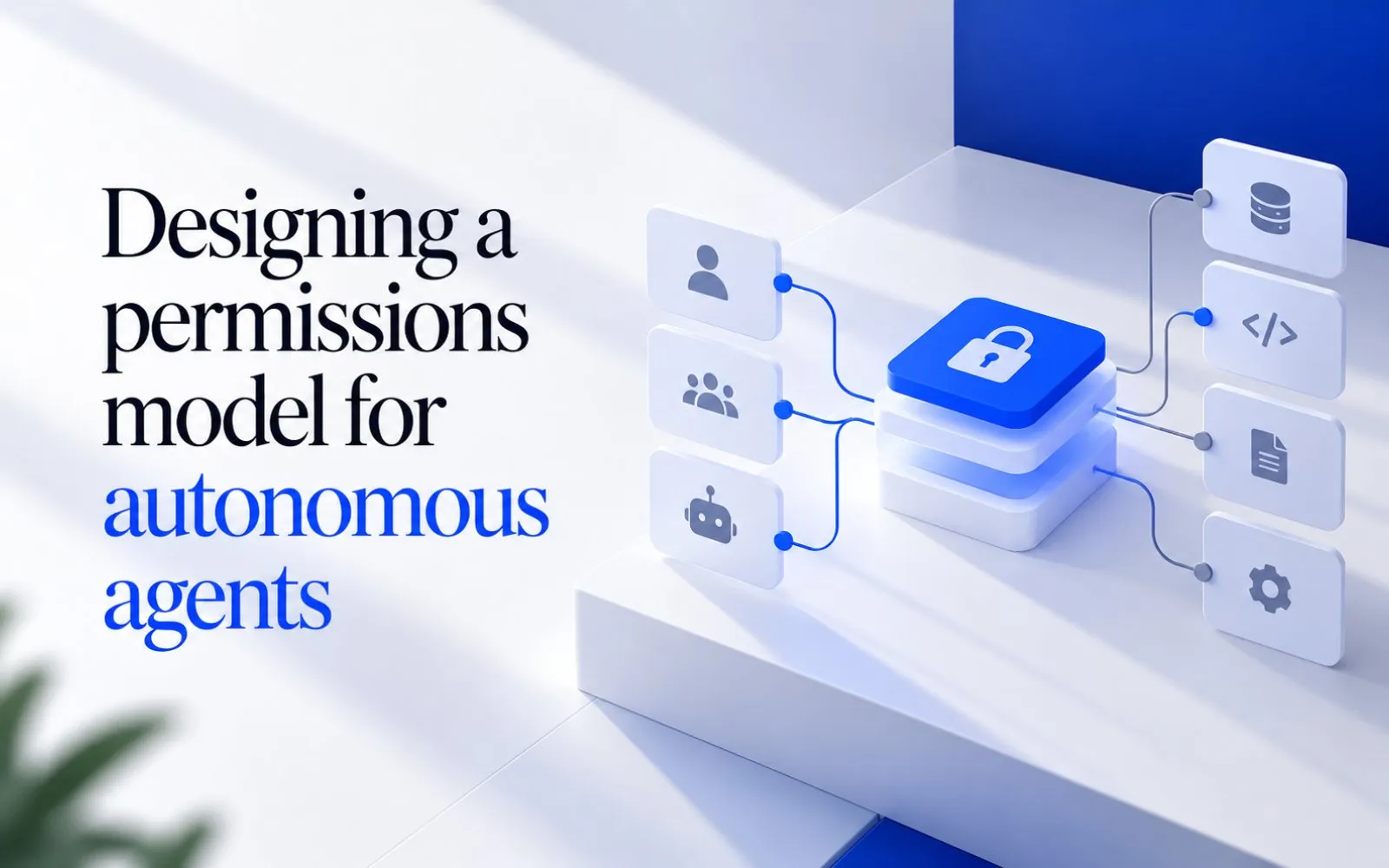
On this page
Giving an agent an API key with full access is the fastest way to start and the fastest way to have a bad week. Our permissions model starts from the opposite direction.
Least privilege, by default
New agents have no access at all. You grant apps, then narrow each one to specific records and actions: read deals in one pipeline, but not edit them.
{
  "agent": "account-researcher",
  "apps": {
    "hubspot": { "read": ["companies", "deals:pipeline=new-business"], "write": [] },
    "gmail": { "read": [], "write": ["drafts"] }
  }
}
Permissions follow the person
When an agent works on someone’s behalf, it can only see what that person can see. A sales rep’s agent can’t read the CEO’s inbox, even if the integration technically could.
The question isn’t “what can the integration do?” It’s “what is this person allowed to do, and what did they ask the agent to do?”
Three layers of control
- Workspace policy: what any agent may do at all, set by admins.
- Agent scope: the apps, records, and actions this agent needs.
- Approvals: the actions that still wait for a person, every time.
Every action is logged
Each read, write, and approval is written to an audit log with the agent, the person, and the reason. Logs can be exported to your security tools.

Written by
Daniel OkoroStaff Engineer
Daniel works on the agent runtime, approvals, and everything that makes runs reliable at scale.